
When upgrading a PC, most users focus on the CPU or GPU, but RAM performance also affects overall system smoothness. This is where overclocking RAM comes in, running memory beyond its default speed to gain extra performance, which can improve responsiveness in gaming and multitasking if you understand its real impact.
|
Key Points ● RAM overclocking means running memory faster than its default rated speed to improve performance. ● Performance gains mainly come from higher frequency (MHz) and lower latency (timings) working together. ● It helps reduce CPU bottlenecks by speeding up data transfer between RAM and processor. ● Real-world improvements are usually modest (around 3–10%), depending on system and workload. ● It is generally safe for hardware, but unstable settings can cause crashes or errors. ● Benefits are most noticeable in CPU-bound gaming, multitasking, and memory-heavy tasks. ● It is a performance optimization, not a hardware replacement upgrade. |
Overclocking RAM means running your memory at speeds higher than its default factory settings to get better performance from your PC.
Most people associate overclocking with CPUs or GPUs, but RAM can also be tuned for extra speed. Since RAM plays a key role in feeding data to your processor, even small improvements can make your system feel more responsive, especially in gaming and multitasking scenarios.
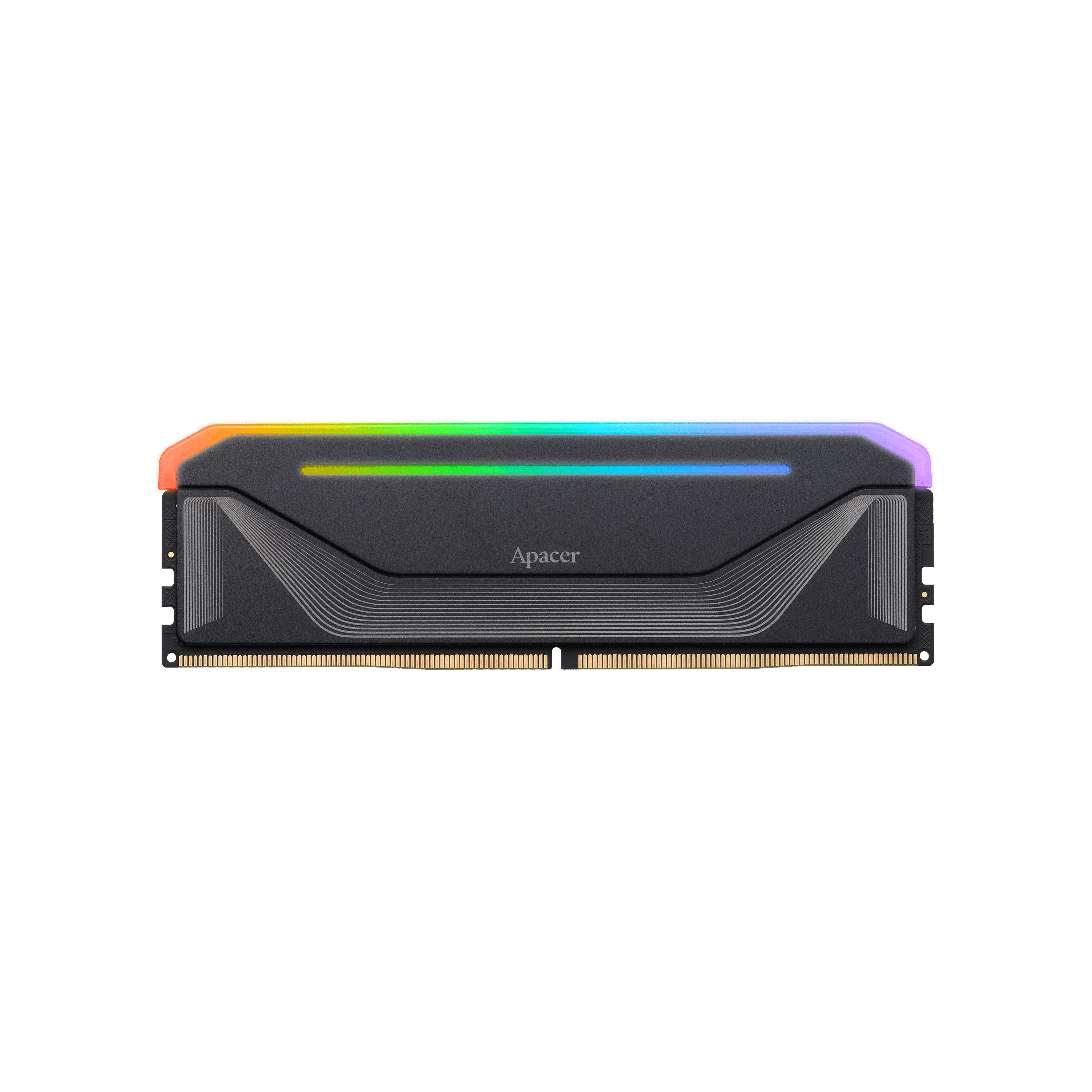
For modern systems, you don't need to manually tweak complicated BIOS settings to enjoy high performance. Premium modules like the
Apacer NOX RGB DDR5 gaming memory come with Intel® XMP 3.0 and AMD EXPO™ support. With just one click in the BIOS, users can instantly unlock extreme speeds up to 8000 MT/s, ensuring rock-solid, high-frequency stability for intensive gaming sessions.
To understand the impact of overclocking, you first need a quick idea of how RAM speed works.
RAM speed is commonly referred to in MHz or MT/s (megatransfers per second), which reflects how fast data can be transferred. In simple terms, higher MHz means faster data movement, and in many cases, better performance.
When you overclock RAM, you’re adjusting three main parameters:
Together, these changes push the RAM beyond its default limits, but they also require careful balance.
In real-world use, RAM acts as a link between storage and the CPU. If data transfer is slow, the CPU has to wait, creating a performance bottleneck.
Faster RAM reduces this delay by delivering data more quickly and improving overall system responsiveness. This results in smoother performance, especially in gaming (higher FPS and stability), faster app loading, and better multitasking when running multiple programs.
Overclocking RAM can be worth it, but only if you understand the trade-off. It’s not a major upgrade. It’s more of a performance optimization that can give your system a noticeable boost. While it may not completely transform your system like a new GPU would, it offers a steady enhancement that sharpens your overall gaming and multitasking experience.
It makes the most sense if you want to squeeze extra performance out of your current setup without spending money, especially in CPU-bound or competitive games where every frame matters. It can also be useful if you enjoy tweaking and optimizing your PC for better responsiveness.
However, it’s less worthwhile if your system is GPU-limited (common at 1440p or 4K gaming) or if you prefer a simple, stable plug-and-play experience. The gains are usually modest, around 3–10% in real-world performance, sometimes higher in memory-sensitive tasks, and sometimes barely noticeable depending on the workload.
There are also trade-offs to consider. Stability can be affected if settings aren’t tuned properly, there may be warranty limitations depending on the manufacturer, and achieving the best results often requires testing and time investment.
In short, is overclocking RAM worth it? Yes, if you understand the trade-offs. No, if you expect a big upgrade.
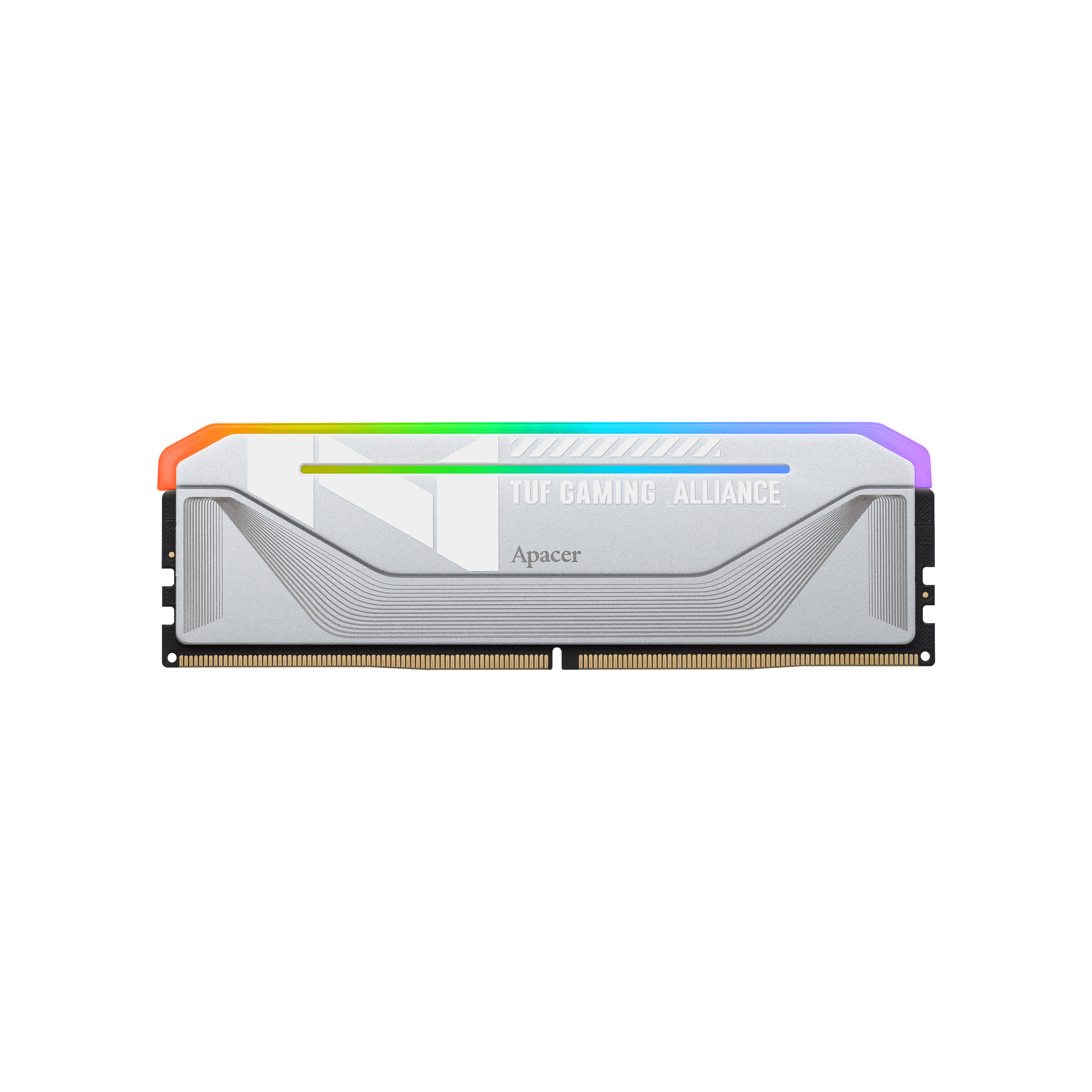
While RAM overclocking is generally low-risk, maintaining high-frequency stability under heavy loads requires excellent thermal management. This is why top-tier hardware, such as the Apacer NOX TUF RGB DDR5 gaming memory, features premium aluminum alloy heatsinks with a combat-ready TUF Gaming Alliance design. Superior heat dissipation prevents thermal throttling, keeping your system perfectly cool and stable even when pushed to its limits during competitive gameplay.
RAM overclocking is generally considered safe and low-risk, especially compared to CPU or GPU overclocking. Modern RAM modules are built with extra performance headroom, and most systems support tuning directly through the BIOS, making the process more controlled and accessible.
Unlike more aggressive forms of overclocking, RAM typically does not require extreme cooling or produce dangerous heat levels. For most users, the risk of physical damage is low when settings are applied correctly and within reasonable limits.
However, “safe” mainly refers to hardware safety, not stability or performance guarantees. Issues usually come from unstable settings rather than damage.
Common risks include:
It’s also worth noting that performance gains can be limited. In some systems, the CPU becomes the bottleneck, meaning faster RAM doesn’t always translate into noticeable real-world improvements.
In short: RAM overclocking is generally safe for the hardware, but stability and actual performance gains depend on how well the system is tuned.
Overclocking RAM can be a practical way to boost performance without upgrading hardware, but it also comes with clear trade-offs. Here’s a quick breakdown of the advantages and disadvantages that you should understand before making changes.
Pros of Overclocking RAM
Cons of Overclocking RAM
If you want to learn how to overclock RAM safely and effectively, make sure to continue reading our guide, “How to Overclock RAM: A Step-by-Step Guide.” It walks you through each step in a clear and practical way, helping you improve performance while maintaining system stability.
Overall, overclocking RAM is a practical tuning option rather than a major upgrade. It can improve system responsiveness in certain workloads, though results will vary depending on your hardware and configuration. If done carefully, it’s a simple way to extract more performance from your current setup without additional cost.